
RepOne Strength: The New Standard in Data-Driven Training
RepOne Strength is a cutting-edge velocity-based training (VBT) tool that helps athletes and coaches optimize performance through real-time movement tracking. By measuring barbell speed and movement dynamics, RepOne enables more precise, efficient, and personalized training.
Who It’s For & Where It’s Used
• Athletes & Coaches: Track key performance metrics like speed, power, and range of motion to tailor programs based on individual needs.
• Gyms & Private Training Studios: Deliver high-level, personalized training experiences that set your facility apart.
• Universities & Sports Academies: Monitor student-athlete development using measurable, science-backed data to support education and performance.
Key Features
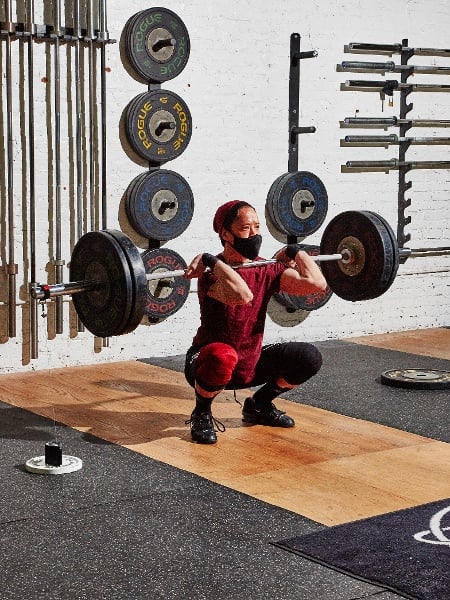
• Real-Time Feedback: Monitor metrics like bar speed, force, and range during training to enhance performance instantly.
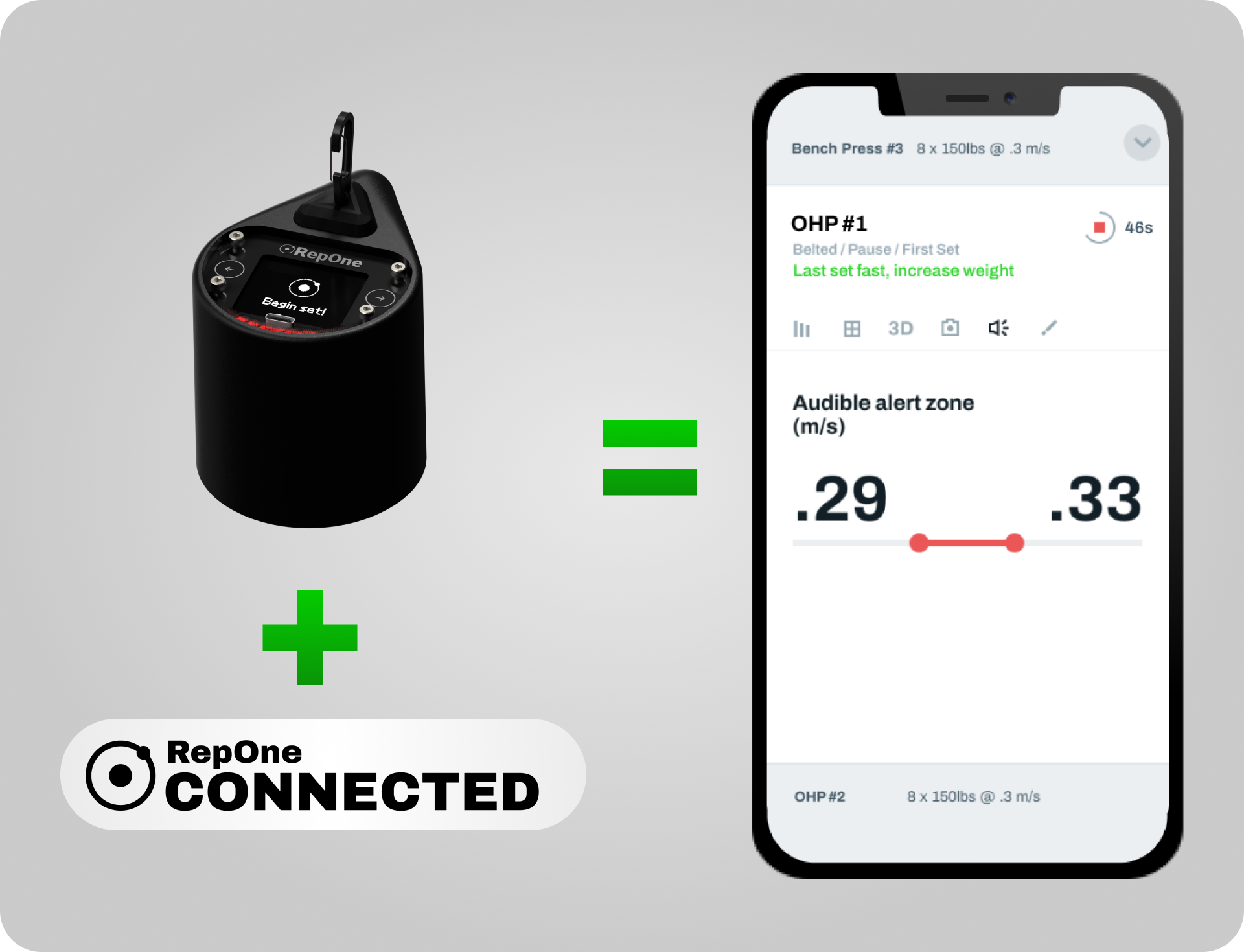
• User-Friendly Interface: Easily analyze and manage data via RepOne’s mobile app and software platform.
• Portable & Durable Design: Compact and built to endure, RepOne adapts to any training environment.
FTS x RepOne Collaboration
At Future Training Systems, we’re proud to bring RepOne Strength technology to athletes, coaches, and facilities across Turkey, New Zealand & Australia and all around the world. Through this partnership, we aim to integrate data-driven training into the heart of athletic performance and help elevate training outcomes to the next level.
Specifications
- Camera. Use the camera function in the app to record your reps alongside your rep data. Switching out of the RepOne Personal app during a set may cause missed rep data.
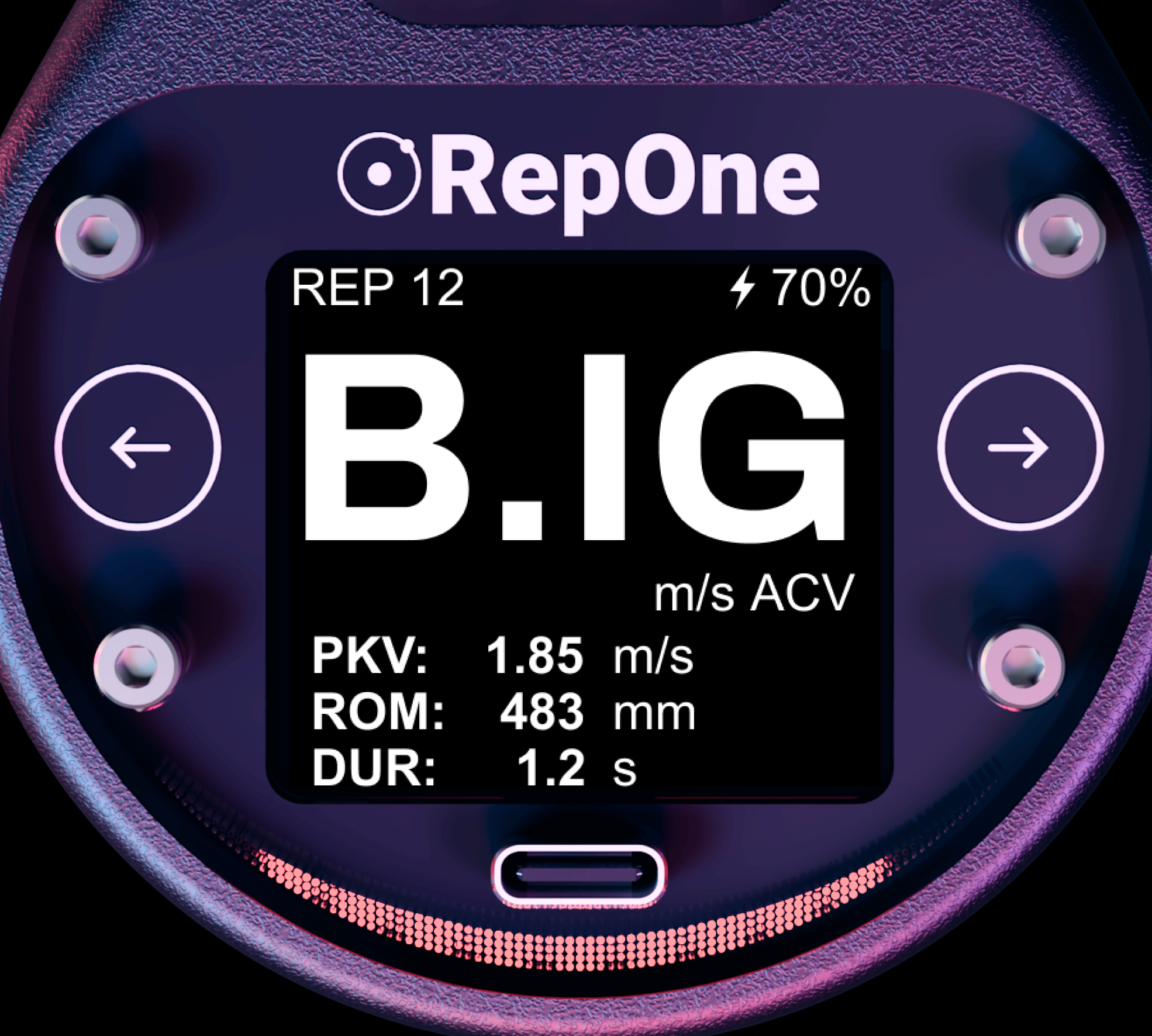
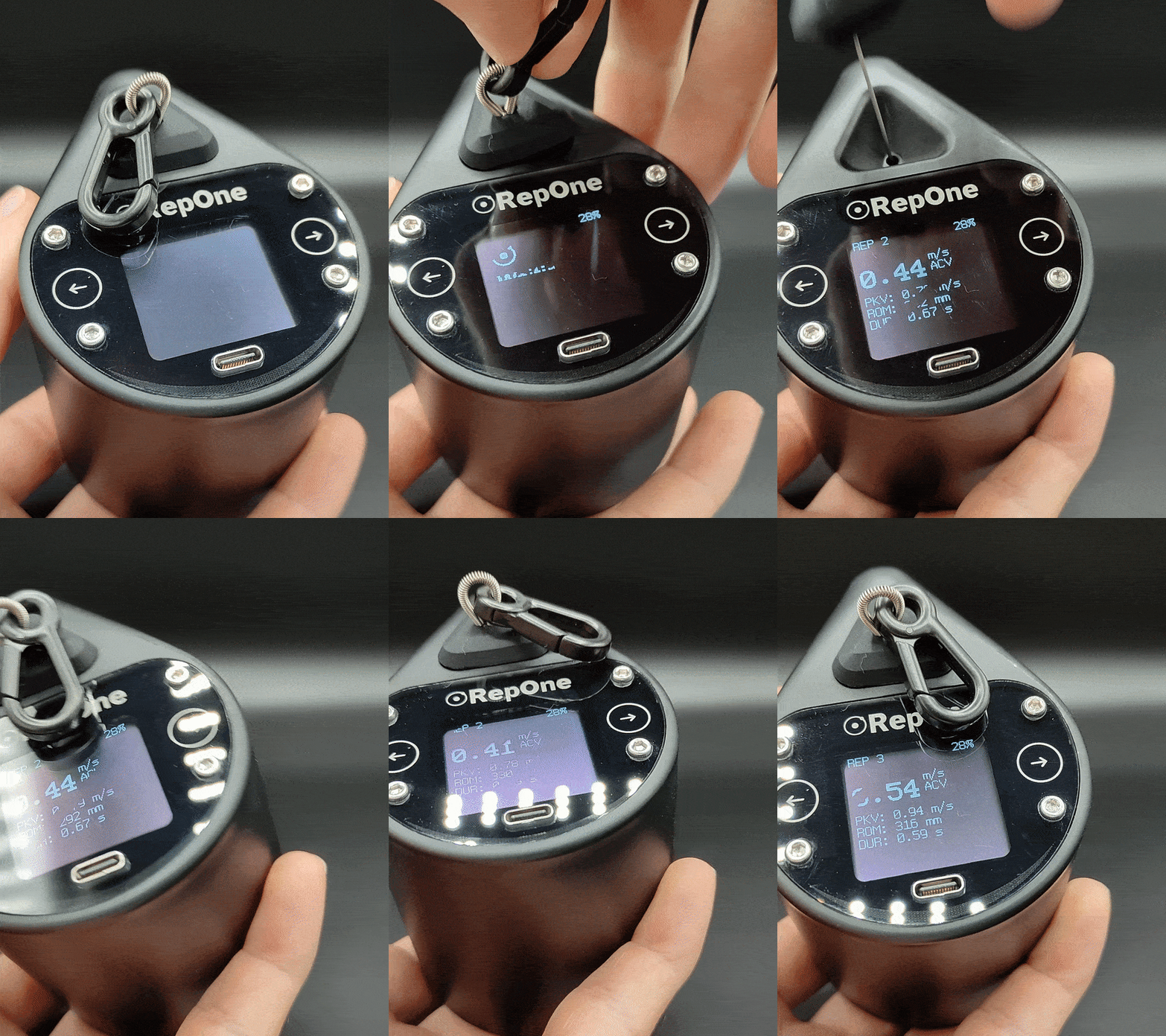
- Navigation. Tilt the device left and right (see the arrows on the faceplate) to navigate through rep data on the device screen. To clear reps, make sure you are on the latest firmware, and tilt right until you see “Clear all reps?”, then tilt right again.
- Connecting to the app. Connecting is easy, you don’t have to go to your bluetooth setting to pair. Just head to the RepOne Personal app settings tab and tap your device ID. RepOne Sensor is only available to connections for a period of time after waking up. If it has been idle for a while, you may need to pull a rep to pair.
Set up your RepOne Sensor
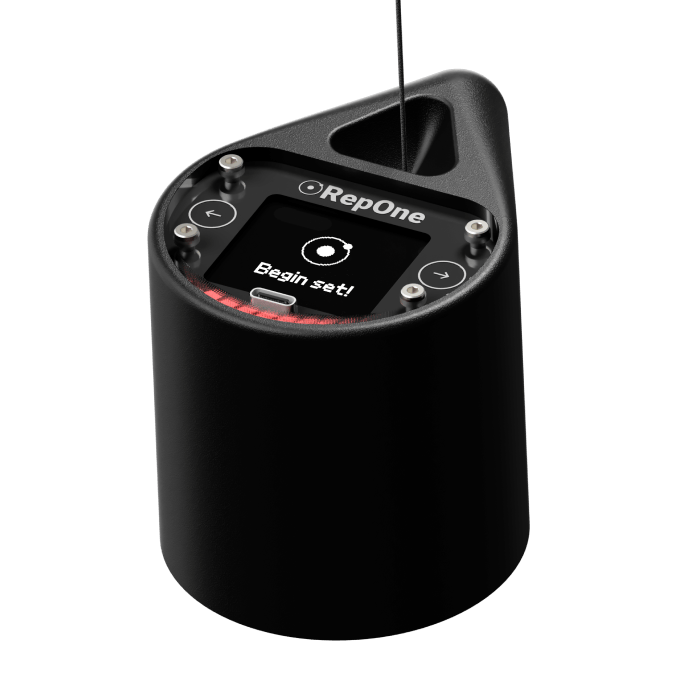
1 – Turn on your RepOne Sensor using the switch on the base
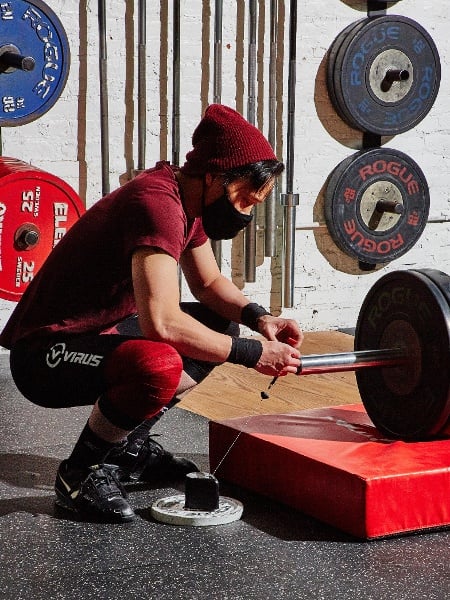
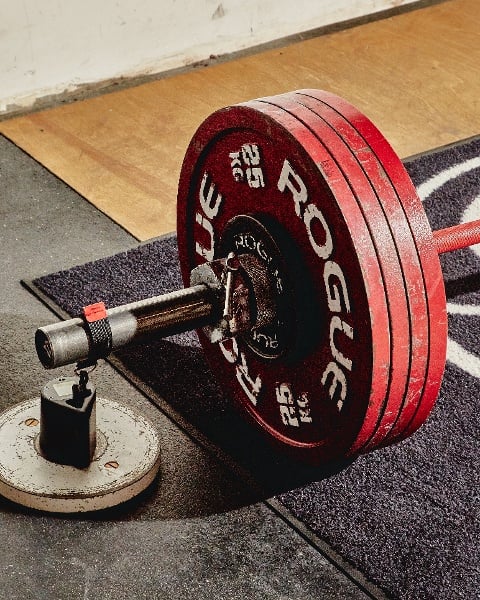
2 – Anchor the magnetic base of the RepOne Sensor to a rack or plate. Optionally, the rubber strap adds stability
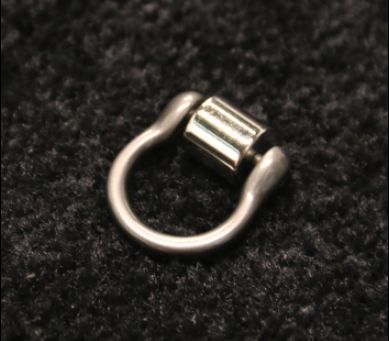
3 – Connect the tether to the barbell or other object you’re tracking using the included strap or optional Roller Hook
4 – Start lifting! You’ll see metrics in real time
Get the app. See more metrics and save your entire training history. Head to reponestrangth.com/apps to get apps for training solo or running a facility with RepOne.
Tips & Troubleshooting
- Baterry & charging. Charge your device using the included cable, others may not power the unit. Turn off the unit between training sessions to extend battery life dramatically.
- Placement & tether position. For the best results, position the unit such that the tether will not be at extreme angles while tracking the movement. Generally, it’s optimal to place the tether further from your hands on the barbell. Keeping it inside of the plates can make weight changes easier.
- Maintaining your tether. Your tether can last years when properly cared for. Keeping the tether directly above RepOne Sensor will reduce rubbing against the housing. Keep your tether in one piece by retracting it into RepOne Sensor by hand, instead of letting it go to retract full-speed.

 futuretrainingsystems.com